Split Bills Easily - NBbang Calculator Guide
Simplify your group expense splitting with NBbang Calculator. Learn how to use this free bill splitting tool for dinners, trips, and group activities.
Why Is Splitting Bills So Complicated?
After a group dinner or outing, there's always that awkward moment: settling the bill.
"Wait, I paid $100 on my card... and someone paid $30 in cash?"
"What about the people who didn't drink?"
"So who owes what to whom?"
Figuring it out in a group chat with a calculator gets confusing fast. Especially when there are many people or multiple payments involved.
We had the same problem. That's why we built NBbang Calculator.
What is NBbang Calculator?
NBbang Calculator is a free web service that simplifies group expense splitting.
- Who paid how much
- How much each person owes
- Who needs to pay whom
All visible at a glance. No app download needed - just use it in your web browser.
How to Use
NBbang Calculator lets you complete your settlement in 4 simple steps.
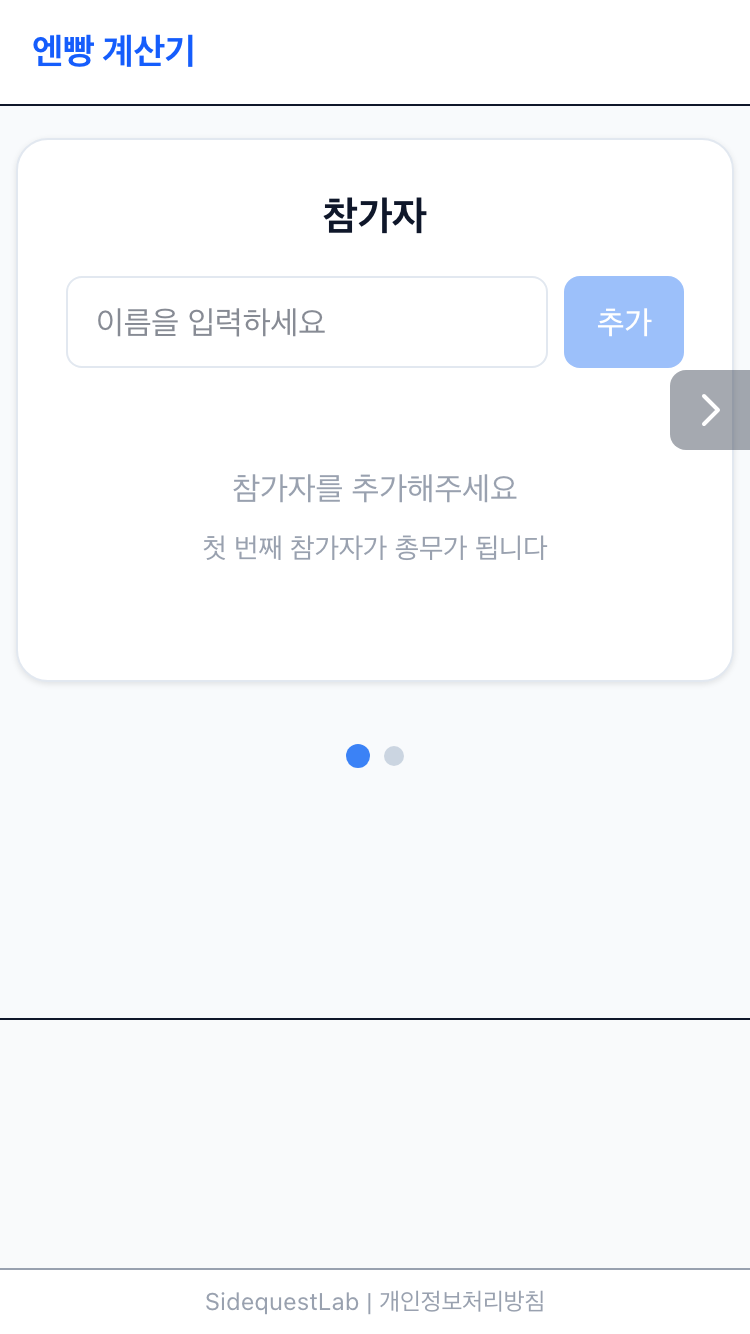
Step 1: Add Participants
First, add everyone who's part of the settlement.
- Go to nbbang.click
- Enter each participant's name and click add
- Repeat until everyone is added
Use real names or nicknames - whatever makes it easy to identify everyone later.
Step 2: Add Rounds
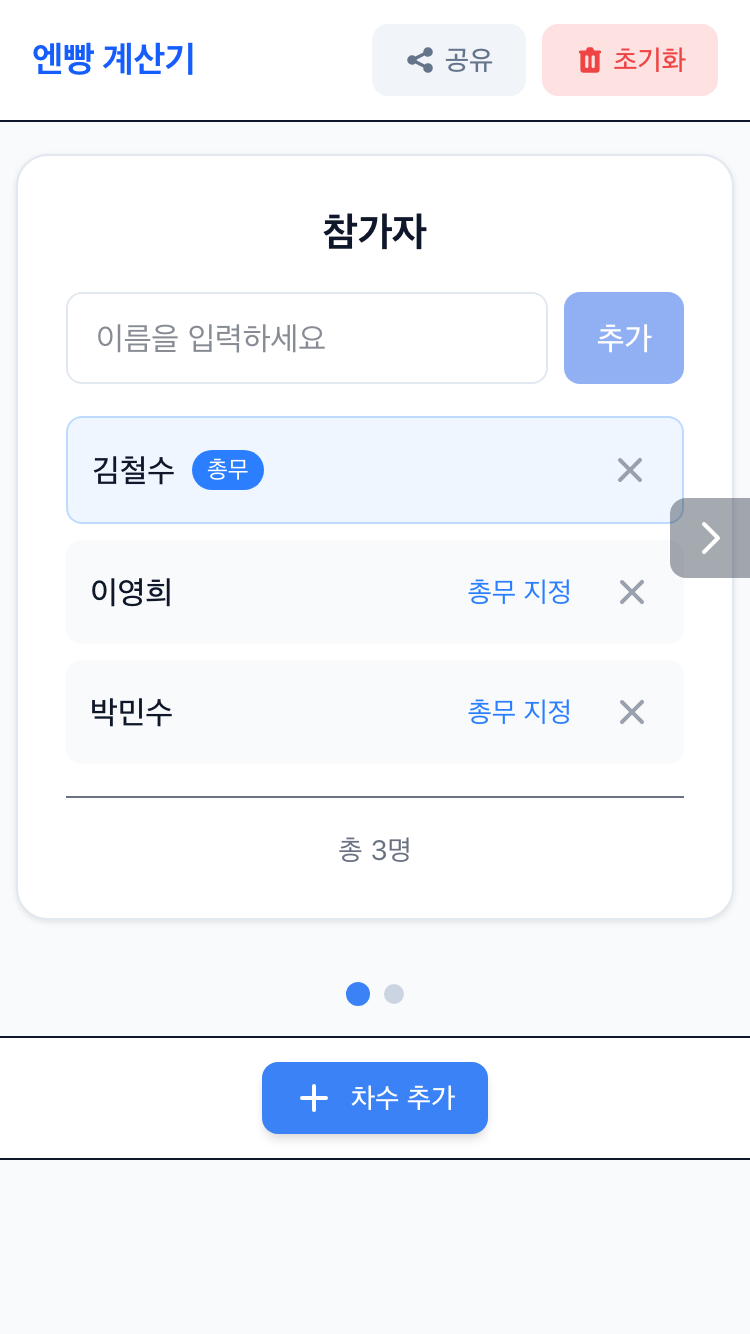
One of NBbang Calculator's key features is round (session) management.
Group outings often have multiple rounds. First round dinner, second round drinks, third round karaoke... But different people often participate in each round.
With the round feature, you can:
- Round 1 (Dinner): All 6 people participate
- Round 2 (Drinks): Only 4 people participate
- Round 3 (Karaoke): Only 3 people participate
Set different participants to share costs for each round.
How to add rounds:
- Click the "Add Round" button
- Enter a round name (e.g., "Dinner", "Drinks")
- Add as many rounds as needed
Organizing by rounds helps you manage expenses systematically.
Step 3: Enter Expenses
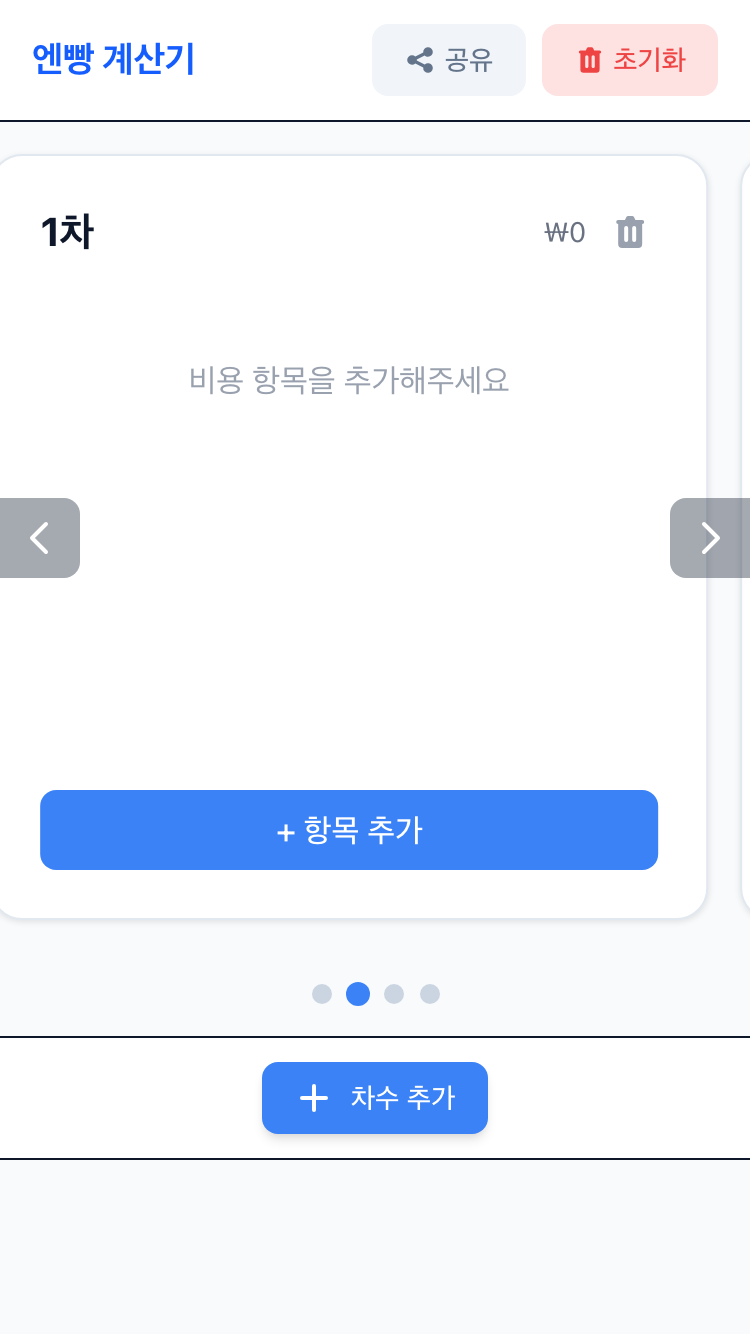
Now enter the payment details for each round.
- Select the round for this expense
- Select who paid (the payer)
- Enter the payment amount
- Select who should split this cost
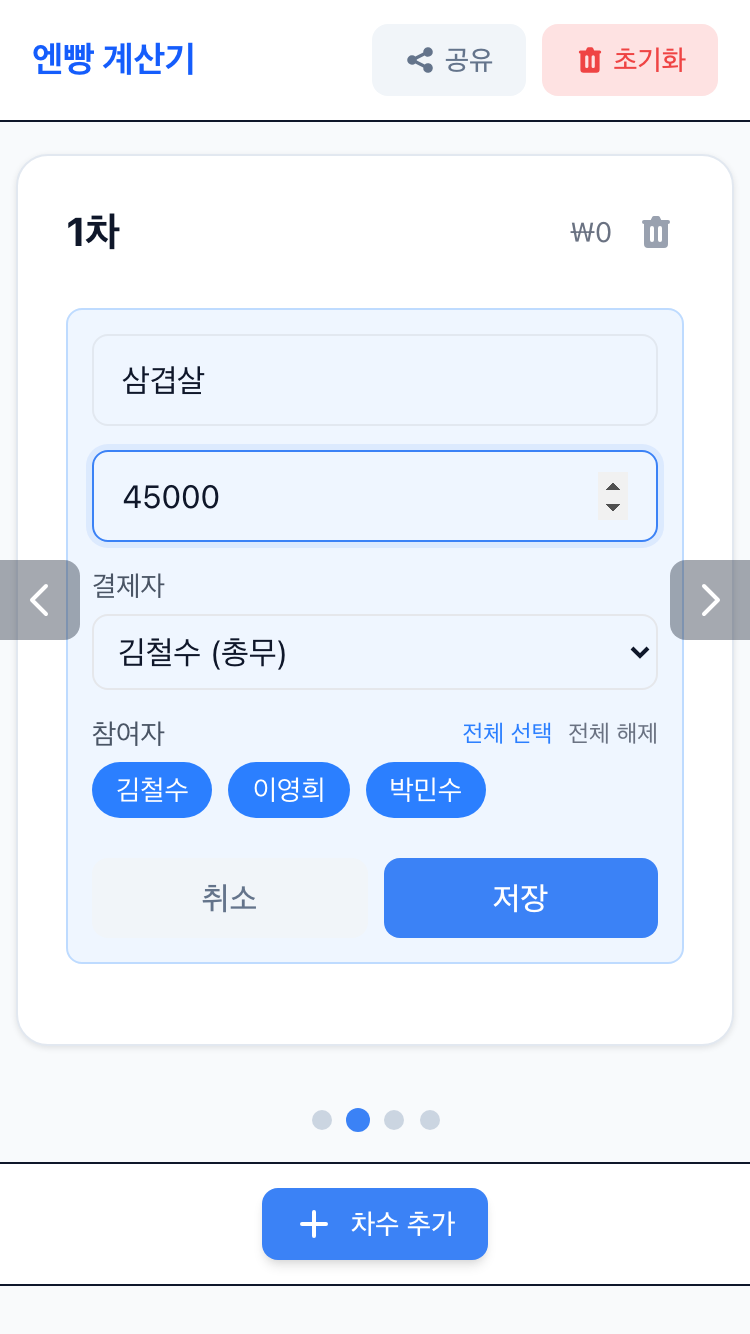
Let's look at a real example:
Round 1: Dinner (all 6 people)
- Payer: John
- Amount: $150
- Participants: Select all
Round 2: Drinks (only 4 people)
- Payer: Sarah
- Amount: $80
- Participants: Select only John, Sarah, Mike, and Lisa
Round 3: Karaoke (only 3 people)
- Payer: Mike
- Amount: $45
- Participants: Select only John, Mike, and Lisa
You can flexibly set who shares each expense.
Step 4: View Settlement Results
Once all payments are entered, NBbang Calculator automatically calculates the optimal settlement.
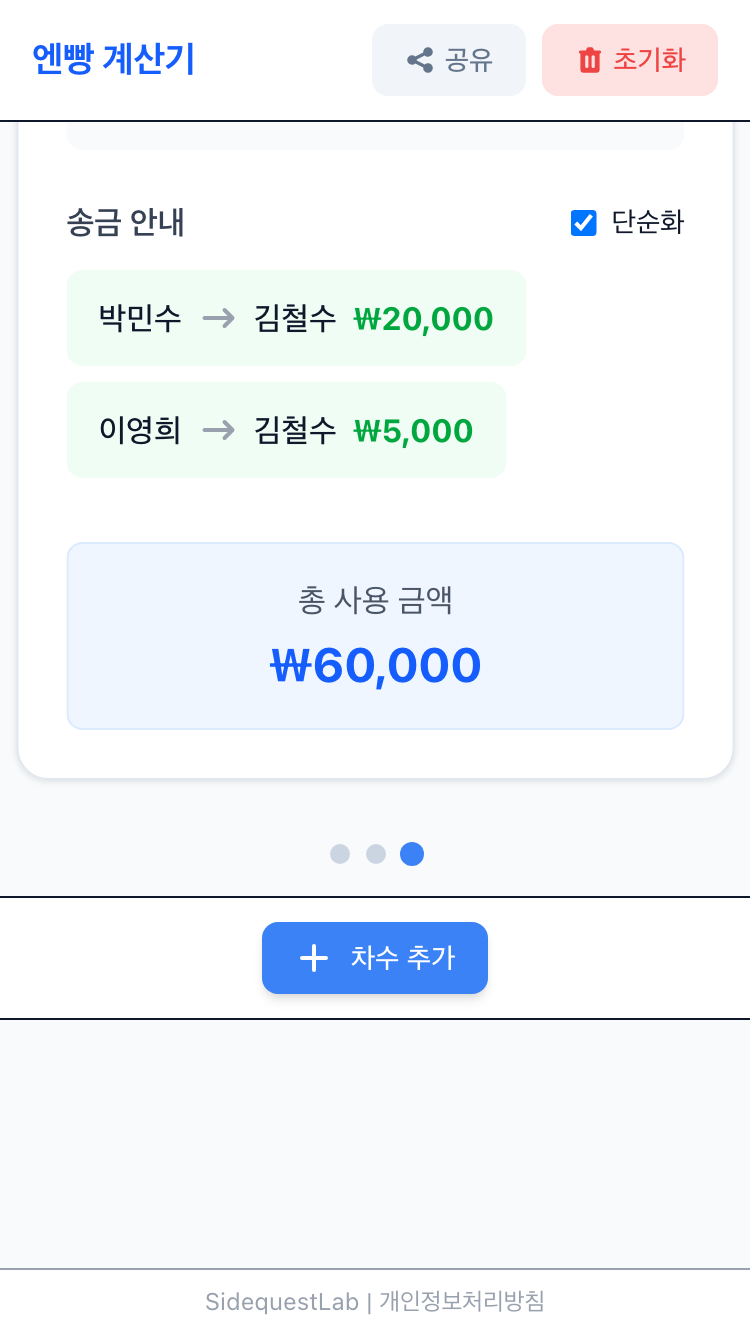
The settlement results show:
- Amount each person owes: The total each person needs to pay
- Settlement details: Who pays whom and how much
Just send the money via Venmo, PayPal, or your preferred payment app, and you're done.
Use Cases
NBbang Calculator works great for various situations beyond just dinners.
Scenario 1: Group Dinners
- Main dinner split by everyone, drinks split by only those who participated
- Managing group dues and payments
- Team event expense splitting
Scenario 2: Trip Expenses
- Enter accommodation, food, and transportation separately
- Check real-time settlement status during the trip
- See total spending and per-person costs
Scenario 3: Clubs and Groups
- Regular meetup fee settlement
- Group purchase cost sharing
- Event expense splitting
No matter how complicated the payments get, NBbang Calculator sorts it all out.
Try It Now
Don't stress over complicated bill splitting anymore. Let NBbang Calculator handle it.
No sign-up or app installation needed - just open it in your web browser.
Get started with NBbang Calculator: nbbang.click
Have feedback or ideas for improvement? We'd love to hear from you. Your input helps make the service better.